7 Pinterest Marketing Tips for Realtors to Drive Listing Traffic
Turn your property photos into a long-term traffic engine with these visual search strategies.
The Secret Weapon Most Realtors Are Ignoring
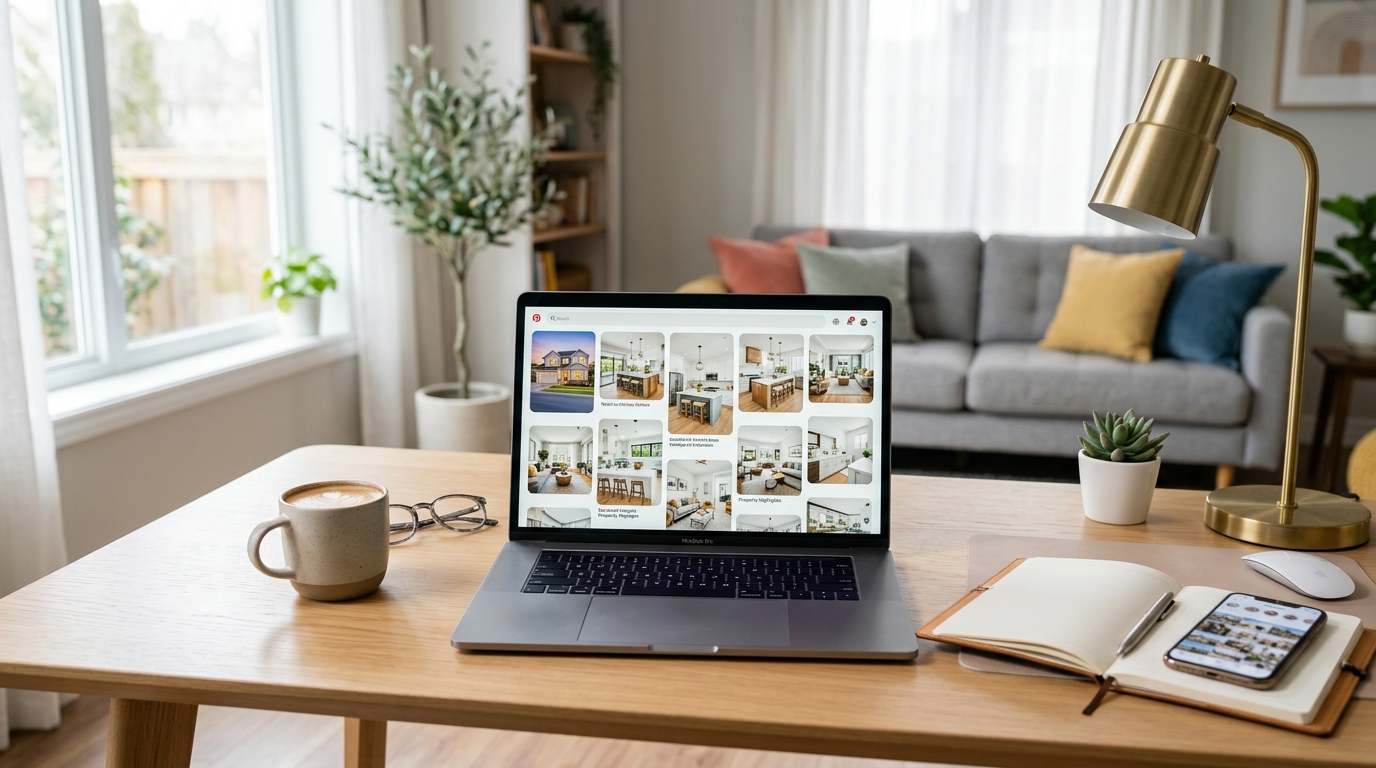
Let’s be honest for a second. When you think of Pinterest, your mind probably goes straight to sourdough starter recipes, DIY macramé wall hangings, or dream wedding mood boards. It’s easy to dismiss it as a hobbyist’s playground. But here’s the reality you might be missing: Pinterest isn’t a social media platform. It’s a visual search engine.
Unlike Instagram or Facebook, where your post has a shelf life of about five minutes before it's buried by the algorithm, a Pin is evergreen. A well-optimized Pin can drive traffic to your website for months—or even years—after you hit publish. For a real estate agent, that means your high-end listing photos can keep working for you long after the property has closed. If you want to stop chasing the algorithm and start building a traffic engine, you need a Pinterest strategy.
Ready to turn those stunning property shots into a lead-generation machine? Here are seven Pinterest marketing tips to help you drive massive traffic to your listings.
1. Treat Your Profile Like a Local Search Engine
Before you pin a single photo, you need to set the foundation. Because Pinterest is search-based, keywords are everything. If your profile name is just "Jane Doe, Realtor," you’re missing out on a huge opportunity to be found by people searching for local real estate expertise.
Think about what your ideal client is typing into a search bar. It’s likely something like "Homes for sale in Scottsdale" or "Modern farmhouse interior design." Your profile should reflect those terms. Update your display name to include your location and your specialty (e.g., "Jane Doe | Miami Luxury Real Estate & Home Decor Tips"). In your bio, clearly state who you help and where you work, naturally weaving in keywords that local buyers and sellers might use.
Optimize Your Boards
Don't just create one board called "My Listings." That’s boring and limited. Instead, create niche boards that cater to specific interests. Examples include:
- Kitchen Design Inspiration
- Living in [Your City]
- Modern Backyard Landscaping
- First-Time Homebuyer Tips
Each board should have a description packed with relevant keywords. This tells Pinterest exactly what your content is about, making it much more likely to show up in a user’s feed.
2. Use High-Quality, Vertical Visuals
Pinterest is a purely visual medium. If your photos are grainy, dark, or poorly composed, people will simply scroll past. You want to stop the scroll with imagery that looks like it belongs in an architectural magazine. To achieve this, you need to master the basics of lighting and composition.
When you’re capturing your listings, remember that vertical images (a 2:3 aspect ratio) perform best on Pinterest. Most users are on mobile, and vertical Pins take up more screen real estate. If you’re taking your own photos, you’ll want to check out our guide on how to use natural light in real estate photography to ensure your shots have that bright, airy feel that Pinners love.
Pro tip: Don't just pin the exterior of the house. Pin the stunning marble island in the kitchen, the spa-like master bath, and the cozy fire pit in the backyard. These specific features are what people are searching for when they look for home inspiration.
3. Leverage Video Pins for Higher Engagement
While static images are the bread and butter of Pinterest, video is currently seeing massive growth on the platform. Video Pins often appear at the top of search results and have a higher engagement rate than standard images. As a realtor, you have a goldmine of video content at your fingertips—from property walk-throughs to neighborhood tours.
You don't need a Hollywood budget to make this work. A simple 15-second clip of a sun-drenched living room or a quick tip on curb appeal can perform exceptionally well. If you’re struggling with what to say, you can use these 5 real estate listing video scripts to create content that grabs attention instantly. Remember to add text overlays to your videos, as many people watch with the sound off.
4. Set Up Rich Pins for Your Website
If you’re serious about driving traffic, Rich Pins are non-negotiable. Rich Pins are a type of organic Pin that automatically syncs information from your website to your Pins. For real estate, this is incredibly powerful because it can pull in property details, pricing, and availability in real-time.
When you apply for Rich Pins (which is a free process through Pinterest’s developer tools), your Pins look more professional and provide more value to the user. If a price changes on your website, it updates on the Pin. This builds trust with potential buyers because they know they’re looking at accurate, up-to-date information. Plus, the extra metadata helps Pinterest’s algorithm categorize your content more effectively.
5. Create Educational Content for Sellers
Most realtors make the mistake of only pinning their active listings. But what about the people who aren't ready to buy yet? What about the homeowners who are thinking about selling in six months? Pinterest is the perfect place to capture these top-of-funnel leads by providing educational value.
Create Pins that lead to blog posts or guides on your website. Think about titles like:
- 5 Steps to Prep Your Home for a Quick Sale
- The Best Paint Colors for Resale Value
- How to Stage Your Small Entryway
By providing this value, you position yourself as the local expert. When these homeowners are finally ready to list, who do you think they’ll call? The person whose helpful tips they’ve been pinning for the last three months. To get started, you can share a link to a resource like our pre-listing home prep guide to show sellers you have a plan to get them the best price.
6. Master the Art of the Pin Description
While the image gets the click, the description gets the search. Every Pin you upload should have a thoughtful, keyword-rich description. Avoid being "salesy." Instead, be descriptive and helpful.
Instead of saying: "Check out this house! Call me for a showing," try something like: "Looking for a modern farmhouse in Austin? This 4-bedroom home features an open-concept kitchen with quartz countertops, a sprawling backyard perfect for entertaining, and a primary suite with a soaking tub. Click to see the full tour and current pricing."
Include 2-3 relevant hashtags at the end of your description, such as #AustinRealEstate #ModernFarmhouse #HomeInspiration. This helps with discoverability in the early stages of a Pin’s life.
7. Consistency Over Intensity
The biggest mistake agents make with Pinterest marketing is "binge pinning." They’ll upload 50 photos in one day and then not touch the platform for a month. Pinterest’s algorithm favors consistency. It’s much better to pin 3-5 high-quality Pins every day than to dump a massive amount of content all at once.
Use a scheduling tool like Tailwind to plan your content in advance. This allows you to maintain a steady presence without having to be on the app every day. You can spend one hour on a Sunday afternoon scheduling your Pins for the entire week, ensuring your listings and helpful tips are constantly being fed to your audience.
Analyze and Pivot
Keep a close eye on your Pinterest Analytics. Which Pins are getting the most saves? Which ones are driving the most clicks to your website? You might find that your audience loves "Kitchen Remodel Ideas" but doesn't care much for "Market Update Reports." Use that data to refine your strategy. Pinterest is a long game, but once the momentum starts building, it’s a traffic source that’s hard to beat.
Final Thoughts
Pinterest is one of the few places on the internet where people are actively looking to be sold an idea. They are in the planning phase, the dreaming phase, and the buying phase. By positioning your listings as the answer to their search queries, you’re not just marketing—you’re helping them find their next home.
Start by optimizing your profile today, and don't be afraid to experiment with different types of visual content. The traffic is there for the taking; you just have to start pinning.